START WITH THE MAP
Know What the Site Is Built to Do
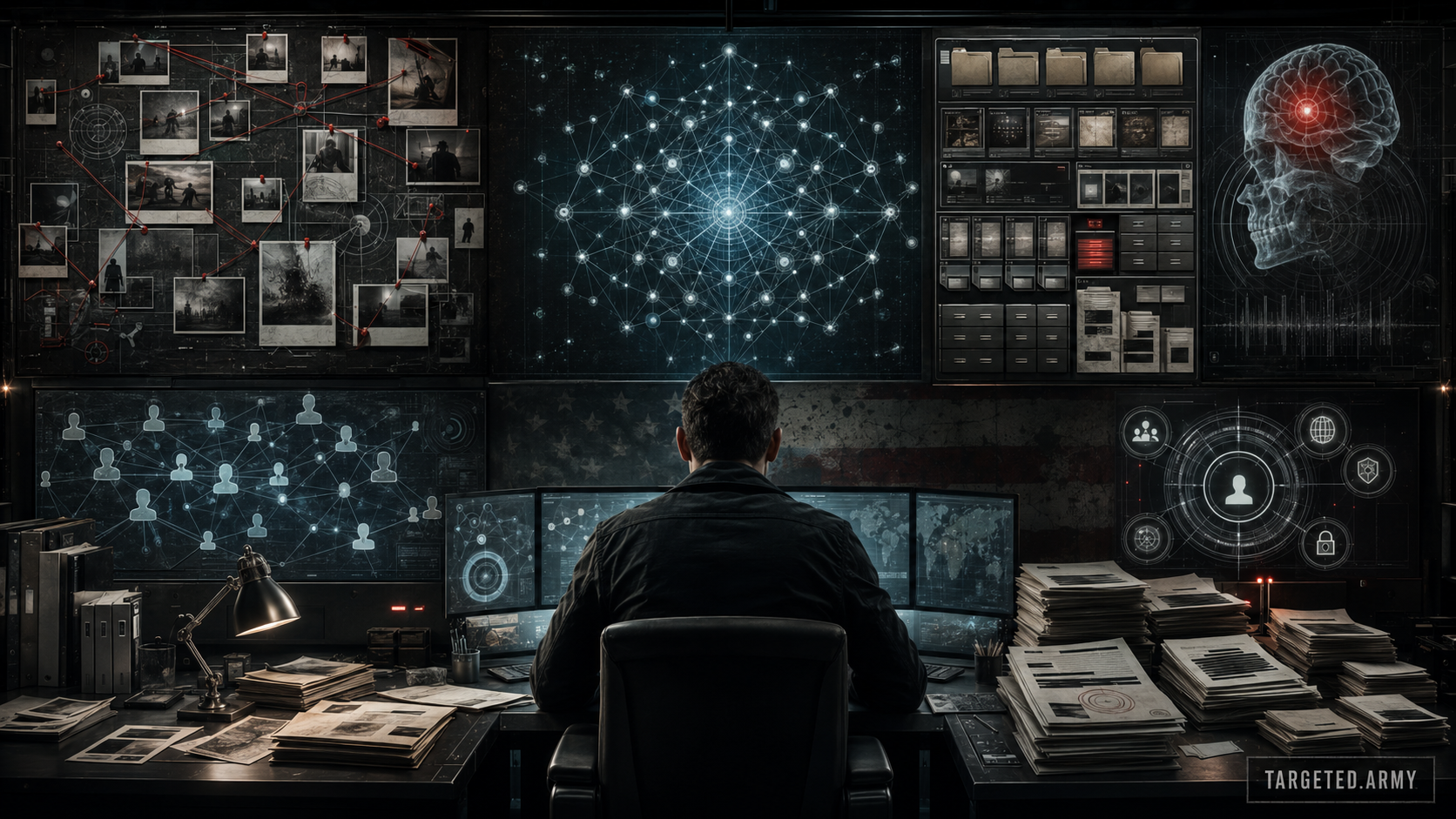
Most people arrive with years of events, files, questions, and half-finished research. The first move is not to force all of it into one explanation. The first move is to put each piece where it belongs. TARGETED.ARMY gives that work a structure: the Content Library explains methods and history; the tools preserve and connect the record; the Community lets members compare findings and organize action.
Begin at the Content Library. Its seven desks—Tactics, Research, Movement, Defense, Rights, Dispatch, and Archives—approach the same fight from different angles. Tactics maps operating methods. Research works through technical records. Defense turns findings into protective procedure. Rights follows law and accountability. Archives preserves the documentary trail that institutions would rather leave scattered.
Every published article is more than a webpage. The article package includes a branded PDF, a complete ZIP package, and a manifest that inventories the files and verifies their hashes. Download the package when a subject matters to your case. A local copy survives link changes and gives you a fixed record to cite, share, and compare later.
BUILD THE RECORD
Use the Evidence Tracker as the Incident Ledger
The My Story is the private, member-key workspace for reported incidents and their supporting material. It is where dates, locations, descriptions, measurements, original files, and voice notes become a searchable case record instead of fragments across phones, notebooks, and cloud folders. Registration does not require an email address, legal name, or phone number.
Create one entry for one event. Give it the exact date and local time, the location, the duration, the devices and people present, what occurred, and what changed afterward. Attach the original recording, photograph, export, screenshot, or instrument file. Keep edits and enhanced copies separate from the original. If a later event repeats the pattern, link it through consistent terms rather than rewriting the first entry.
A useful ledger includes ordinary comparison periods too. When the same room, device, route, or hour produces no incident, that information defines the baseline. Repetition, timing, geography, device state, and environmental measurements become visible only when the quiet periods and the active periods are recorded under the same method.
CONNECT THE SYSTEM
Move Evidence Into the Maps
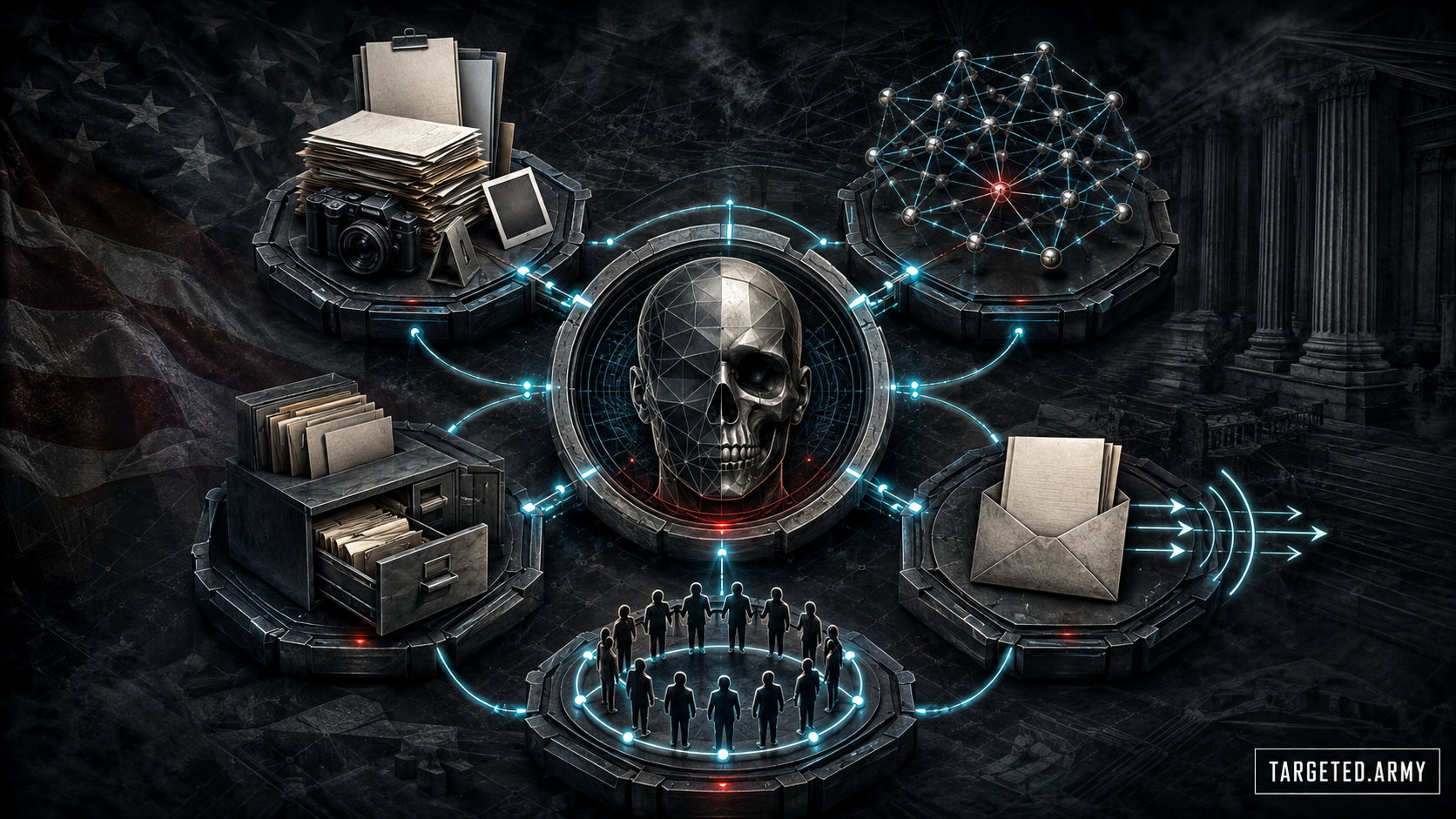
The public Maps is the investigation board. Add files, folders, notes, people, programs, devices, locations, dates, contractors, agencies, patents, and questions as separate objects. Then draw only the relationships you can name. A contract can connect an agency to a vendor. A timestamp can connect a spectrum capture to an incident. A patent can connect an inventor to a claimed architecture. Keeping those links separate prevents the map from turning into one unreadable block.
Use the File Explorer beside it. Explorer is the public route for browsing, searching, filtering, opening, and downloading the site's images, video, documents, data files, and research material. Pull the original file into your case, record its public path, and place the citation on the corresponding Maps node.
Export the board when a line of investigation reaches a usable state. A board export captures more than a screenshot: it preserves the arrangement and relationships that explain why the files belong together. Name the export with the subject and date, then store it beside the supporting originals.
TURN RECORDS INTO ACTION
Use the Live Tools for Requests and Outreach
The public FOIA Request Generator turns a research question into a records request. Choose the agency component, identify the record types, set a date range, name likely offices or custodians, specify an electronic format, and state the fee limit. Ask for policies, contracts, purchase orders, statements of work, privacy assessments, system notices, audit logs, incident records, meeting material, and retention schedules—not an explanation of why an agency is bad.
Members can use the Email Outreach Center to prepare organized campaigns from the documentary record. Keep every demand specific: the record sought, the office responsible, the action requested, and the deadline or review process that applies. Save the outgoing message and every response with the evidence ledger.
The Tools desk clearly marks what is LIVE and what is PLANNED. Use the live Evidence Tracker, Maps, File Explorer, FOIA Generator, and Email Outreach Center now. Do not build a workflow around a planned tool until its status changes. That distinction is part of the site contract: a worker must describe the platform that exists, not invent features from a generic template.
WORK AS A NETWORK
Use the Community and Member Portal With Purpose
The Community is where individual records become comparable. One target may have the procurement document, another the patent family, another a recurring time pattern, and another the public meeting minutes that connect the names. The value appears when those pieces are indexed and linked instead of buried in a stream of reactions.
Your first working session can be direct: open one Content category, create one Evidence Tracker entry, place three nodes in the Maps, download one primary file through Explorer, and draft one narrow FOIA request. That is enough to begin. Return with the next event or record and expand the same structure. The site works when the record grows without losing its chain.
- Read public discussions and category pages before opening a duplicate thread.
- Use Community Search to find earlier files, timelines, and technical terms.
- Use Live Chat for current coordination, then move durable findings into a post or evidence record.
- Use the Member Portal to manage the member key and private workspace access.
- Share package copies and public source paths while keeping originals and private identifiers under deliberate control.
Primary Sources and Public Records
- Digital Evidence Preservation: Considerations for Evidence Handlers - National Institute of Standards and Technology, September 2022
- Freedom of Information Act Statute - U.S. Department of Justice, Current Through July 19, 2026
- More Than a Password - Cybersecurity and Infrastructure Security Agency, Accessed July 19, 2026
Related TARGETED.ARMY Content
FORENSIC TRUST PACKAGE
Download the Forensic Trust Package
Keep the article, original images, source map, and integrity record together.
Article PDFComplete ZIP PackagePackage Manifest